
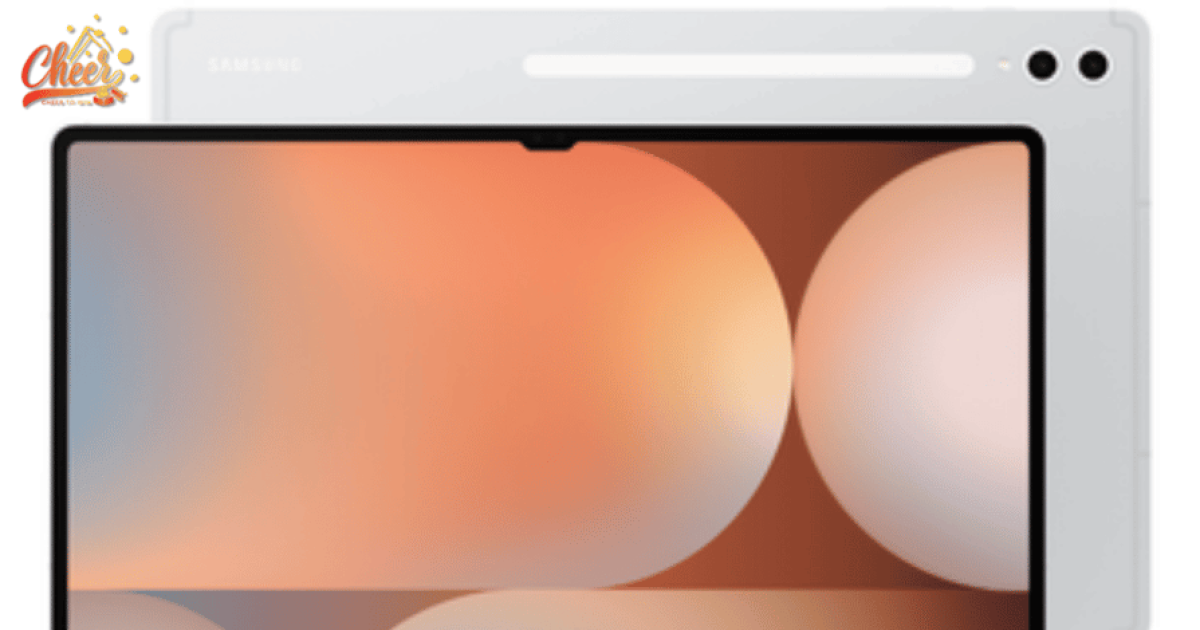
The Samsung Galaxy Tab S10 Ultra represents a new step forward for premium tablets by combining powerful hardware, AI-driven software, and an expansive display built for serious productivity. Let’s explore it with Cheer via this article.
Overview of the Samsung Galaxy Tab S10 Ultra
The Samsung Galaxy Tab S10 Ultra was officially introduced by Samsung in September 2024 as the flagship model of the Galaxy Tab S10 series. Designed for users who need a powerful tablet for both work and entertainment, it represents Samsung’s most advanced Android tablet to date.
Positioned at the top of the lineup, the device focuses on delivering a large immersive display, strong performance, and enhanced productivity tools powered by Galaxy AI. With its premium design and ecosystem integration, the Samsung Galaxy Tab S10 Ultra aims to bridge the gap between traditional tablets and full productivity devices.
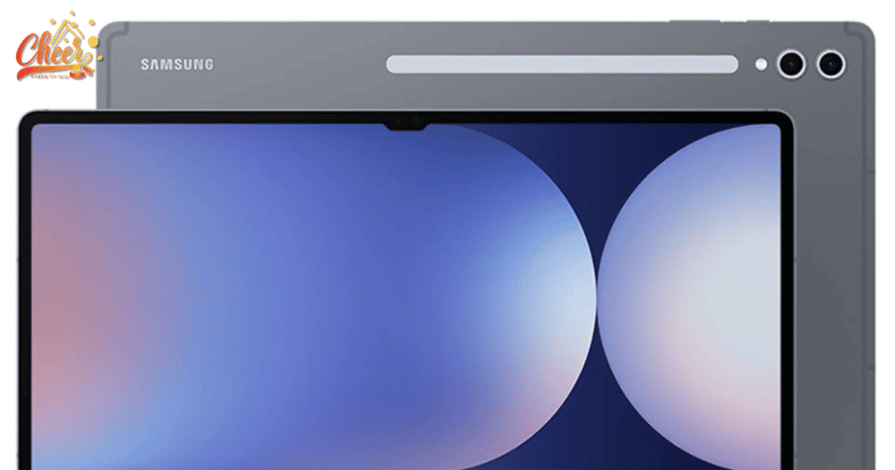
Samsung Galaxy Tab S10 Ultra is Samsung’s most advanced productivity tablet.
As a result, the tablet appeals to professionals, creators, and technology enthusiasts who want a device capable of handling multitasking, creative work, and immersive media experiences in one platform.
A Large AMOLED Display Designed for Work and Entertainment
One of the most striking features of the Samsung Galaxy Tab S10 Ultra is its 14.6-inch Dynamic AMOLED 2X display, the largest screen ever included in the Galaxy Tab lineup. The display offers a resolution of 2960 × 1848 and a smooth 120Hz refresh rate, allowing content to appear crisp, vibrant, and fluid whether users are browsing documents, editing media, or watching videos.
The large AMOLED panel delivers excellent color accuracy and deep contrast levels, making it suitable not only for entertainment but also for creative tasks such as photo editing, digital illustration, and video review. Samsung also integrates anti-reflection technology to minimize glare, allowing the screen to remain comfortable to use in different lighting conditions.
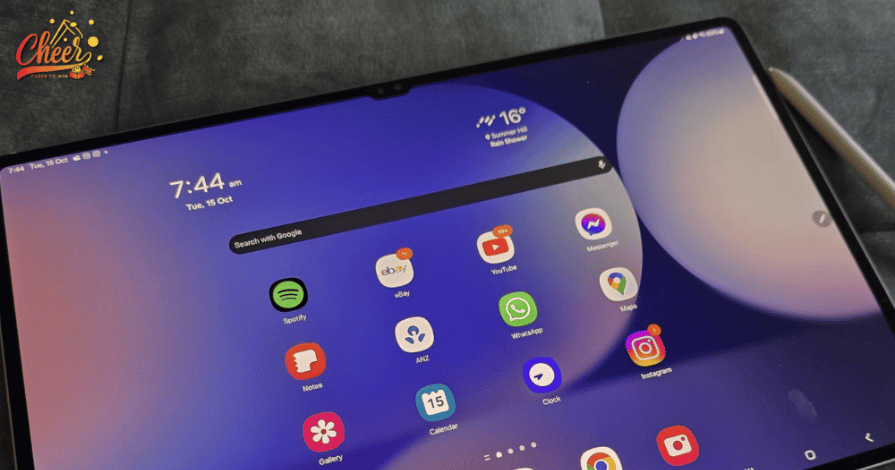
Samsung Galaxy Tab S10 Ultra enhances productivity and media viewing.
Vision Booster technology automatically adjusts brightness depending on the environment, ensuring that text and visuals remain clear even when the device is used outdoors or in bright rooms.
Because of its expansive display, the Samsung Galaxy Tab S10 Ultra allows users to view large amounts of information without constantly scrolling. Long documents, research materials, and design projects become easier to manage on a screen that provides significantly more space than most tablets.
Powerful Performance and Hardware Upgrades
The Samsung Galaxy Tab S10 Ultra introduces significant performance improvements compared with the previous generation. The tablet is powered by the MediaTek Dimensity 9300+ processor, which delivers noticeable gains in computing power and graphics capability.
Samsung reports that the new processor provides around an eighteen percent increase in CPU performance and roughly a twenty-eight percent improvement in GPU power. These upgrades enable the tablet to handle demanding tasks more smoothly, including multitasking across several apps, editing high-resolution media, and running graphics-intensive games.
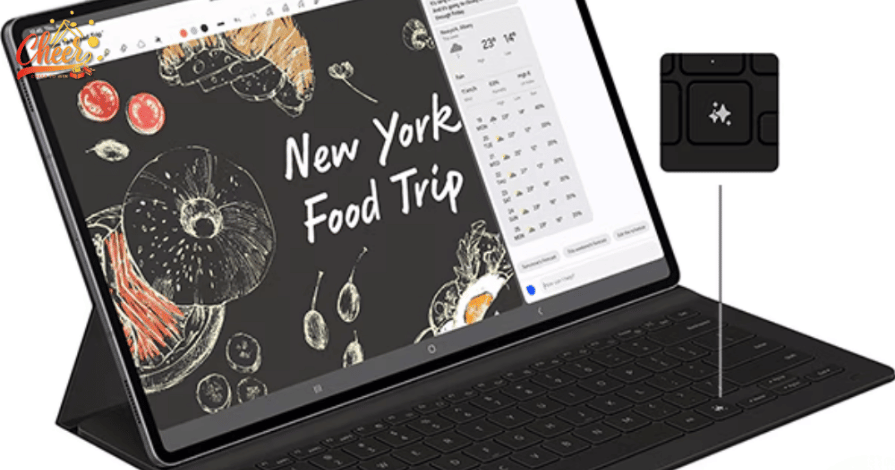
Samsung Galaxy Tab S10 Ultra delivers powerful performance for multitasking.
The device also enhances its AI processing capability with an improved neural processing unit, allowing Galaxy AI features to operate faster and more efficiently. As a result, functions such as real-time translation, content recognition, and automated note summarization become more responsive.
Memory and storage options further strengthen the tablet’s performance potential. The Samsung Galaxy Tab S10 Ultra can be configured with up to 16GB of RAM and up to 1TB of internal storage, while microSD expansion allows additional storage of up to 1.5TB. This level of capacity ensures that the device can comfortably support professional workflows involving large files, creative software, and extensive media libraries.
AI Tools That Improve Productivity
The Samsung Galaxy Tab S10 Ultra stands out because of its integrated Galaxy AI features designed to simplify everyday work tasks. These tools help users manage information, organize notes, and interact with digital content more efficiently.
One notable feature is Note Assist, which transforms how users take notes during meetings or lectures. The tablet can record spoken conversations, automatically transcribe them into text, and generate summaries that highlight key discussion points. This capability allows users to focus on conversations rather than worrying about capturing every detail manually.
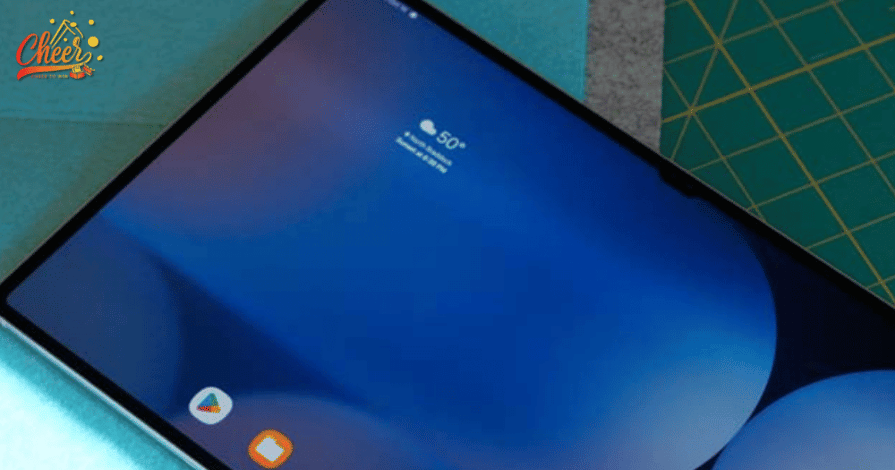
Galaxy AI features on the Samsung Galaxy Tab S10 Ultra help users work smarter.
Another helpful function is Circle to Search, which enables users to instantly search for information by simply circling text or images on the screen. Instead of switching between applications to find additional details, the tablet can display relevant results immediately within the current interface.
The tablet also supports real-time translation of documents and on-screen content. This feature is particularly useful for professionals working with international materials, research papers, or social media content written in different languages.
By integrating these AI-powered tools, the Samsung Galaxy Tab S10 Ultra aims to transform the tablet into a smarter digital assistant rather than simply a display device.
Multitasking and Flexible Workflows
The large AMOLED display plays an important role in enhancing productivity on the Samsung Galaxy Tab S10 Ultra. The tablet allows users to divide the screen into multiple sections, creating a multitasking workspace that supports several applications simultaneously.
For example, users can read research documents while taking notes in another window and browsing online resources in a third panel. This layout makes the tablet particularly useful for students, analysts, and professionals who often work with multiple sources of information at the same time.
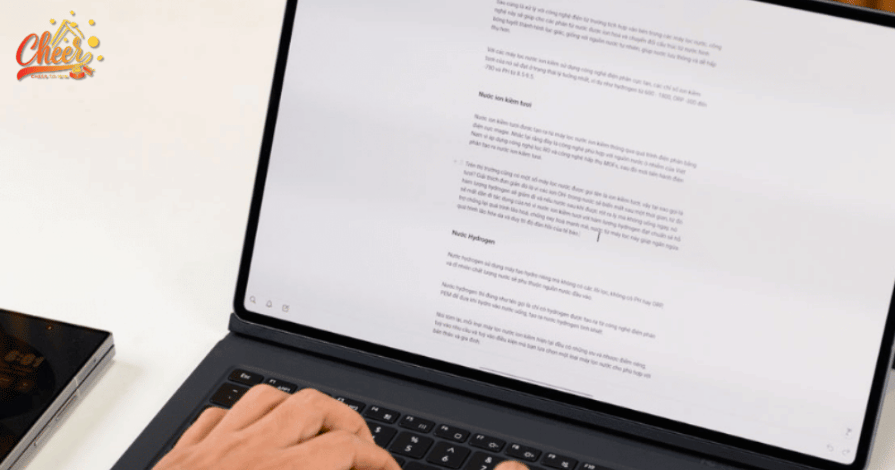
Samsung Galaxy Tab S10 Ultra supports advanced multitasking on a spacious screen.
The device can also function as a secondary screen for a laptop through the Second Screen feature. When connected to a computer, the tablet extends the available workspace, providing additional screen space for editing documents, managing spreadsheets, or monitoring communication tools during remote work.
With accessories such as the Book Cover Keyboard and Bluetooth mouse, the Samsung Galaxy Tab S10 Ultra can even replicate a laptop-like experience, turning the tablet into a versatile productivity workstation.
Creativity With the S Pen
Creativity is another area where the Samsung Galaxy Tab S10 Ultra excels. The tablet includes an advanced S Pen stylus that enables precise writing, sketching, and design work.
The device introduces an AI feature known as Sketch to Image, which can transform simple hand-drawn sketches into refined digital illustrations. After drawing a basic outline, the system analyzes the sketch and generates a polished image that can be rendered in different artistic styles.

The S Pen turns the Samsung Galaxy Tab S10 Ultra into a creative digital workspace.
This capability makes the tablet an appealing tool for artists, designers, and creative professionals who want to quickly visualize ideas. The large display further enhances this experience by providing a spacious digital canvas that allows for detailed drawing and editing.
The S Pen also supports Air Command features, enabling users to quickly access shortcuts, AI tools, and creative applications without navigating through multiple menus.
Entertainment and Immersive Media Experience
Beyond productivity, the Samsung Galaxy Tab S10 Ultra is designed to deliver strong entertainment performance. The large AMOLED display provides an immersive viewing experience for movies, streaming platforms, and online videos.
The tablet includes a quad-speaker audio system enhanced with AI-powered Dialogue Boost, a feature that analyzes voices within audio tracks and enhances speech clarity. This allows users to hear conversations in films and television shows more clearly, even when background noise or music is present.
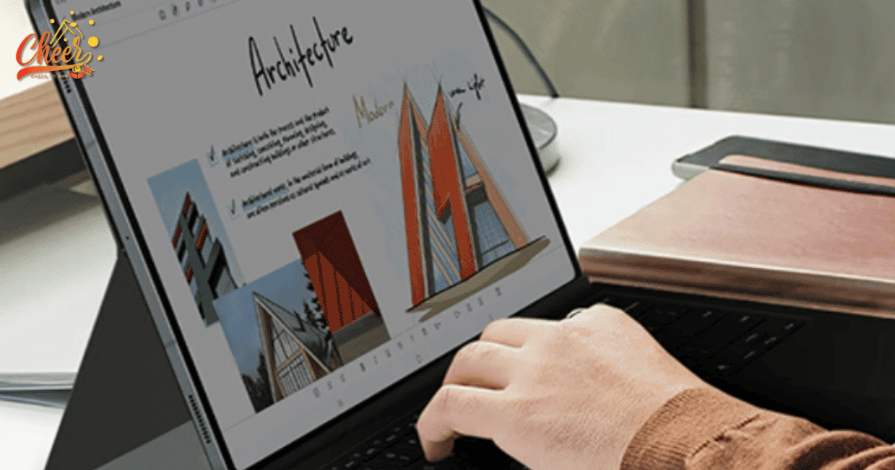
Samsung Galaxy Tab S10 Ultra offers immersive entertainment.
The 120Hz display also contributes to smoother animation during gaming sessions. Combined with an improved cooling system, the tablet can maintain stable performance even during extended gameplay.
These features make the Samsung Galaxy Tab S10 Ultra equally suitable for relaxation after work, offering a high-quality platform for gaming, streaming, and digital entertainment.
Premium Design and Portability
Despite its large display, the Samsung Galaxy Tab S10 Ultra maintains a slim and lightweight design. The tablet measures only 5.4 millimeters in thickness, allowing it to remain portable enough for everyday use.
Samsung also reinforces the device with enhanced Armor Aluminum and an IP68 rating, which provides resistance against water and dust. This durability ensures that the tablet can handle travel, commuting, and mobile work environments.
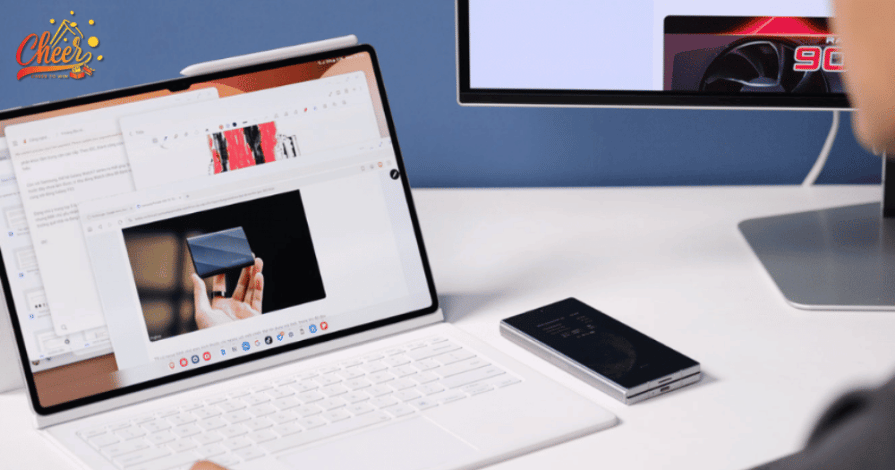
The slim design of the Samsung Galaxy Tab S10 Ultra balances power and portability.
The device includes an 11,200 mAh battery that supports extended usage throughout the day, while 45W fast charging allows the tablet to recharge quickly when needed.
Join and Unlock Tablet Tech Rewards
Exploring powerful tablets becomes even more exciting when there are rewards to discover. By joining Mystery Boxes, users can turn their interest in premium devices into chances to unlock surprise prizes across a range of categories, including Technology and other modern tech rewards.
Whether you’re following the latest tablet releases or exploring new gadgets, this adds another layer of excitement beyond everyday tech discovery. It’s an easy way to combine innovation with real-world value, giving you more reasons to stay engaged and see what you might unlock next.
FAQ About the Samsung Galaxy Tab S10 Ultra
Many users have questions about Samsung Galaxy Tab S10 Ultra’s features and capabilities.
Is the Samsung Galaxy Tab S10 Ultra suitable as a laptop replacement?
For many users, the Samsung Galaxy Tab S10 Ultra can function as a laptop alternative, especially when paired with a keyboard and mouse. Its multitasking tools, large screen, and productivity features make it capable of handling writing, browsing, research, and light creative work.
How long will the Samsung Galaxy Tab S10 Ultra receive software updates?
Samsung has committed to providing several years of Android and security updates for its flagship devices. This long-term support helps ensure the Samsung Galaxy Tab S10 Ultra remains secure and compatible with new apps and features over time.
Who should consider buying the Samsung Galaxy Tab S10 Ultra?
The tablet is ideal for users who need a large screen device for multitasking, creativity, or entertainment. Professionals, students, and digital creators may benefit the most from its combination of performance, display size, and productivity tools.
Is the Samsung Galaxy Tab S10 Ultra good for gaming and streaming?
Yes, the tablet’s powerful processor, large AMOLED display, and immersive audio system make it well suited for gaming and high-quality media streaming, offering a more cinematic experience than most standard tablets.
Conclusion
The Samsung Galaxy Tab S10 Ultra demonstrates how modern tablets can evolve into powerful productivity tools without sacrificing entertainment capabilities. Its large AMOLED display, advanced Galaxy AI features, and upgraded hardware performance make it a strong choice for users who need a device that supports both work and creativity.
Hope this article by Cheer gives you valuable information about the Samsung Galaxy Tab S10 Ultra!